
Homes shared with cats
How to Choose a Camera for Your Cats
By Scratch Canvas
U.S. prices and sources checked
When we were away, someone stopped by each day to check on Honey and Theo. Between visits, we could open the app and see them for ourselves. That small thing made it easier to relax and enjoy our time away.
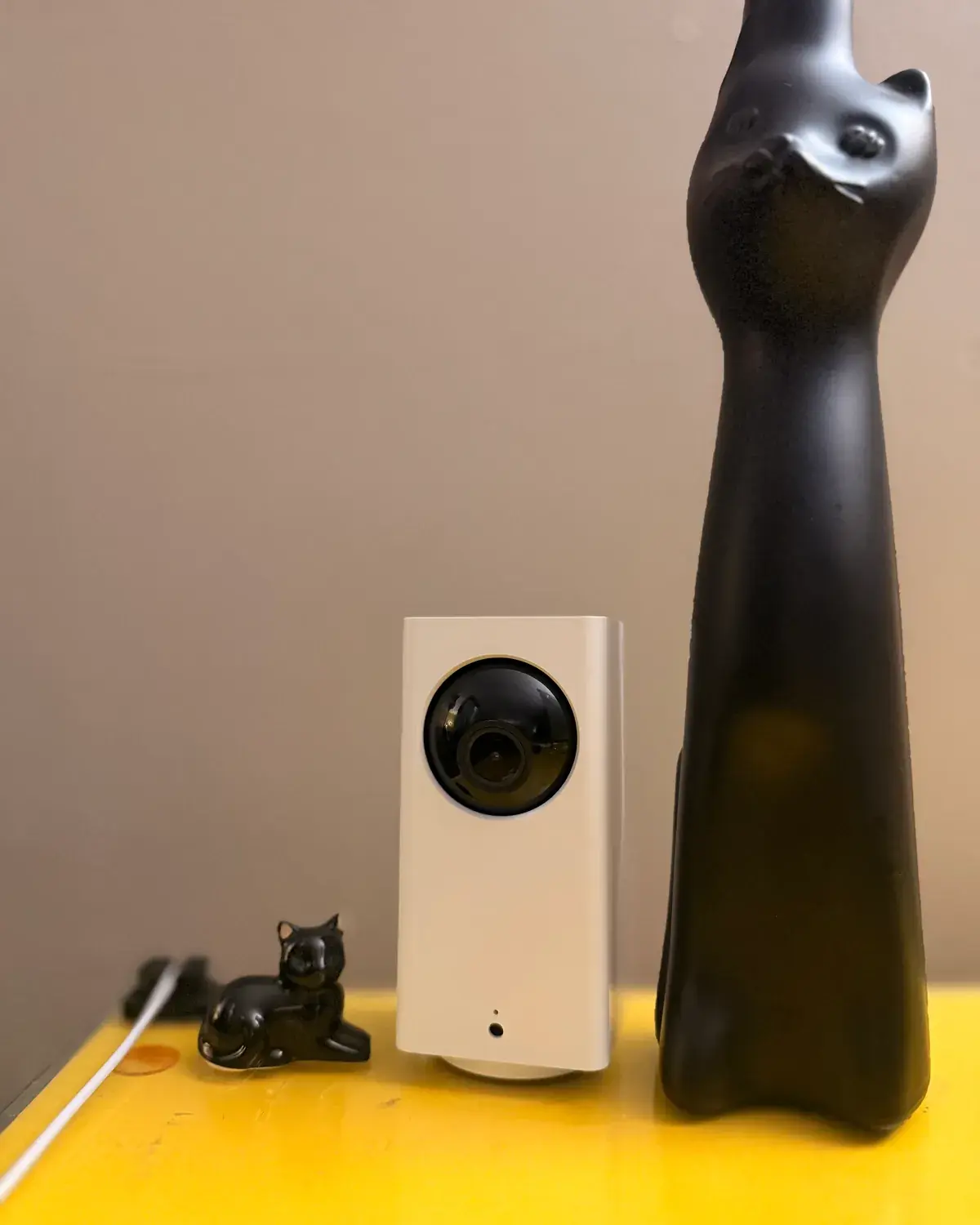
For a trip, arrange the visits first. Cats Protection recommends at least two visits a day for cats staying home. Kittens, older cats and cats with some health conditions may need someone to come more often.
What do you want to know?
- “Is my cat at the feeder now?” takes a live view.
- “Did either cat come by this morning?” takes a recording you can play back.
Live views and pet alerts
A view you can turn from your phone: Tapo C210
The Tapo C210 ($29.99) lets you look from the feeder to a favorite chair in the same room. You can watch live without a subscription, see after dark and talk through the speaker. To look back later, add a microSD memory card or pay for cloud recording.
GearLab’s tester found the night image clear, if a little bright, and liked switching between saved views. Automatic tracking was clunky. If your cats spend the afternoon in separate rooms, the white two-pack ($44.98) gives you a view in each.
An alert when a cat visits one spot: Tapo C120
The Tapo C120 ($35.99) has a fixed lens. Aim it at a feeder or perch and it can notify you when it detects a pet, with no monthly fee. Add a memory card if you want to replay the visit and see which cat walked past.
U.S. prices checked . Prices are before tax. Memory cards are sold separately.
Privacy and treat cameras
Recordings you control in Apple Home: Aqara E1
The Aqara E1 ($69.99) makes sense if you already use Apple Home. When you get home, its privacy mode can pivot the lens and switch the camera off. You can disable the microphone, too.
To keep ten days of encrypted event clips in Apple Home, you’ll need a compatible HomePod or Apple TV 4K as your home hub and an iCloud+ plan. The U.S. plan for one camera starts at $0.99 a month. The E1 needs a 5V/2A USB-A power adapter, which isn’t included.
- Aqara E1 price and features
- Aqara E1 power and box contents
- Apple’s security camera setup
- iCloud+ plans
Toss a treat from your phone: Petcube Bites 2 Lite
The Petcube Bites 2 Lite ($99.99) gives you a wide, fixed view with night vision. You can watch live, talk, toss a treat and manually save a clip to your phone without a subscription. For automatic clips and pet alerts, Petcube lists its Optimal plan at $9.99 monthly or $59.88 billed annually, with three days of video history.
In Katelynn Sobus’s test for Cats.com, her cats enjoyed the treats, though the picture often blurred or cut out. If two cats come running for the same treat in your home, try the dispenser while you’re there to see who actually gets it.
Toss treats and turn toward the action: Furbo 360° Cat Camera
The Furbo 360° Cat Camera lets you turn the view from your phone and toss treats. Its advertised $54 camera requires a plan. With the promotional year of Standard ($83.92), the first-year total is $137.92, including three days of video history. It renews automatically at the regular rate in effect then, so check the renewal price before the first year ends.
Furbo also describes a separate standalone model with free live viewing and treat tossing. In Sobus’s test, the night view worked well, but the camera sometimes mixed up cats with similar coloring. Look at the clip yourself when it matters which cat you saw.
Try it on an ordinary evening
Set the camera where you plan to use it. An evening at home gives you time to move it, try a setting or decide you already have the view you need.
Check the view after dark
Leave the camera connected to your home Wi-Fi. Turn off Wi-Fi on your phone and open the app over cellular, the way you might on a trip. Can you tell which cat is at the feeder? If the rim of a bowl hides their face, change the angle and look again.
Find a moment you missed
If playback matters to you, note the time you see a cat walk past. Later, try to find that moment in the app. Check which features stay available after any free trial. If you plan to talk through the speaker, try it while you’re home so you can see how your cat responds.
Decide who can watch
Tell your sitter where the camera points and whether it records sound. Frame only the area you need. A card inside the camera can hold saved clips while the app still lets people watch remotely. Check who has access to the feed and recordings.
The FTC recommends a unique password, up-to-date camera software and two-factor authentication when available. Look for encryption for both the live feed and stored video.
Give your sitter a plan for the cat off camera
Tell your sitter where each cat likes to sleep and how to reach you if they can’t find one of the cats. Ask for a text when they’ve seen each cat. If the feed goes offline or shows an empty chair, you’ll know who can check in person.